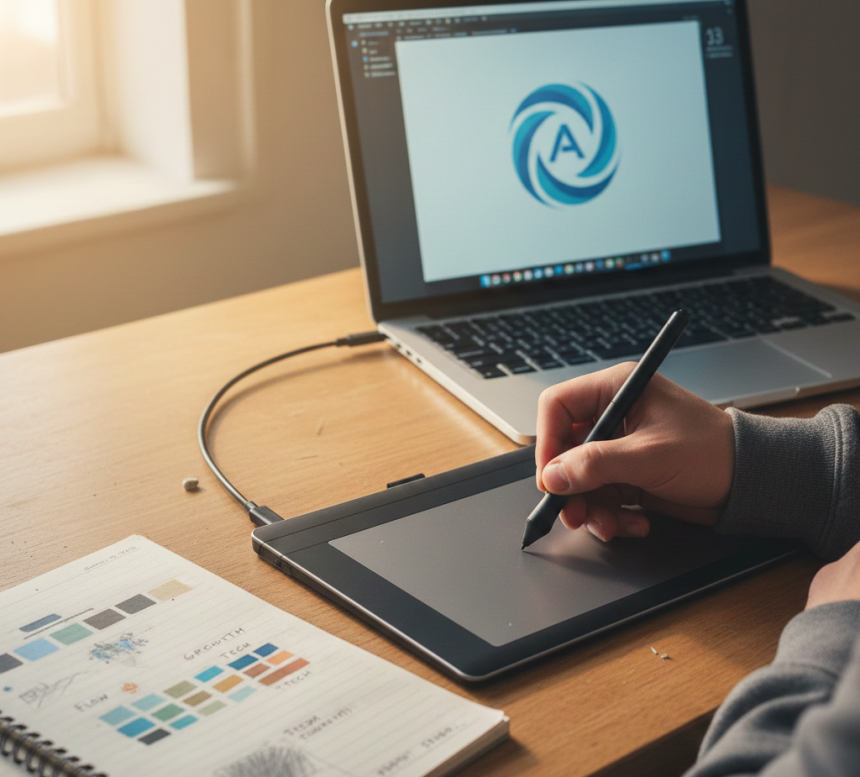

Graphic Designing Course in Indore | Master Creativity & Design Skills
Learn professional graphic designing in Indore at AI Computer Classes. Master Photoshop, Illustrator, Canva, and Figma with hands-on projects and real-world design skills.
Graphic Designing: Transforming Ideas into Visual MasterpiecesIntroduction: Why Graphic Designing Is More Than Just ArtAaj ke digital era me graphic designing sirf “colors aur shapes ka combination” nahi hai.
Ye ek strategic skill hai jo business, marketing aur personal branding me impactful communication create karta hai.
Indore jaise cities me jahan startups aur digital businesses rapidly grow kar rahe hain, graphic designing skill har student, professional aur entrepreneur ke liye career-defining ban chuki hai.
Graphic designing seekhna matlab:
- creative ideas ko visually express karna
- brand identity build karna
- communication aur marketing ko enhance karna
Graphic designing ka matlab hai ideas ko visual content me convert karna taaki wo audience ke liye engaging aur impactful ho.
Ye skill include karta hai:
- branding & logo design
- website & app visuals
- social media creatives
- print materials
- motion graphics & animation
Graphic designing sirf art nahi, balki problem-solving aur storytelling ka medium bhi hai.
Graphic designers ka kaam hai:
- audience ko visually attract karna
- brand message communicate karna
- design trends ke according innovative solutions dena
A professional designer ka skillset:
- creativity & imagination
- technical knowledge of design tools
- color theory & typography understanding
- layout & composition mastery
Graphic designing ke basic pillars:
1. Color Theory- Color ka psychological impact
- Brand colors selection
- Contrast & harmony
- Font selection & readability
- Hierarchy & spacing
- Branding consistency
- Balance, alignment, and flow
- Visual hierarchy
- Focal points
- Important information ko emphasize karna
- Eye movement control karna
- Information clarity
Graphic designers ke liye tools ka knowledge must-have hai:
- Adobe Photoshop – Photo editing, image manipulation
- Adobe Illustrator – Vector design, logos, icons
- Adobe InDesign – Layout for magazines, brochures
- Canva / Figma – Quick, web-based designs
- CorelDRAW – Print and vector designs
Practical training me in tools ke hands-on experience se real-world skills build hoti hain.
Students ke liye graphic designing:
- creativity express karna easy banata hai
- academic & college projects enhance hoti hain
- career options open hote hain
- portfolio creation ka base milta hai
Early exposure se confidence aur skill growth accelerate hoti hai.
Working professionals ke liye:
- marketing campaigns me visually impactful content create karna
- freelance opportunities explore karna
- branding & presentations improve karna
Design knowledge productivity aur personal branding dono me help karta hai.
Graphic designing skills ke saath career options:
- UI/UX Designer – Website & app interface design
- Brand Designer – Logo, packaging, visual identity
- Motion Graphics Designer – Animations & video graphics
- Freelancer – Client projects & consultancy
- Content Designer – Social media & marketing visuals
Experience ke saath, senior roles aur leadership opportunities bhi milti hain.
- Digital Illustration – Creative illustrations for branding
- Infographics & Data Visualization – Complex data ko visual story me convert karna
- 3D & Motion Graphics – Advanced animation & modeling
- Responsive Design – Designs that adapt to all screens
Graphic designing ka essence hai design thinking:
- user-centered approach
- creative problem solving
- prototype, feedback, and improvement
Design thinking skills career aur projects me innovative solutions provide karte hain.
Random tutorials se knowledge incomplete reh jaati hai. Structured courses:
- step-by-step roadmap dete hain
- hands-on projects provide karte hain
- feedback & mentorship milta hai
AI Computer Classes me structured learning se students industry-ready designers bante hain.
AI Computer Classes provide karta hai:
- beginner to advanced courses
- real-world projects
- tool mastery (Photoshop, Illustrator, Canva, Figma)
- career guidance & mentorship
Yahan focus sirf design creation nahi, creative thinking aur industry standards par hota hai.
AI Computer Classes – Indore
📍 208, Captain CS Naidu Building, near Greater Kailash Road, Old Palasia, Indore, Madhya Pradesh 452018
📞 +91 91113 33255
✉ hello@aicomputerclasses.com
Tips & Tricks: Create Branded Templates for Clients using TradingView
Learn Python Scripting for Automation — Quick Tutorial using WordPress