🎬 Video Editing & Reels Creation
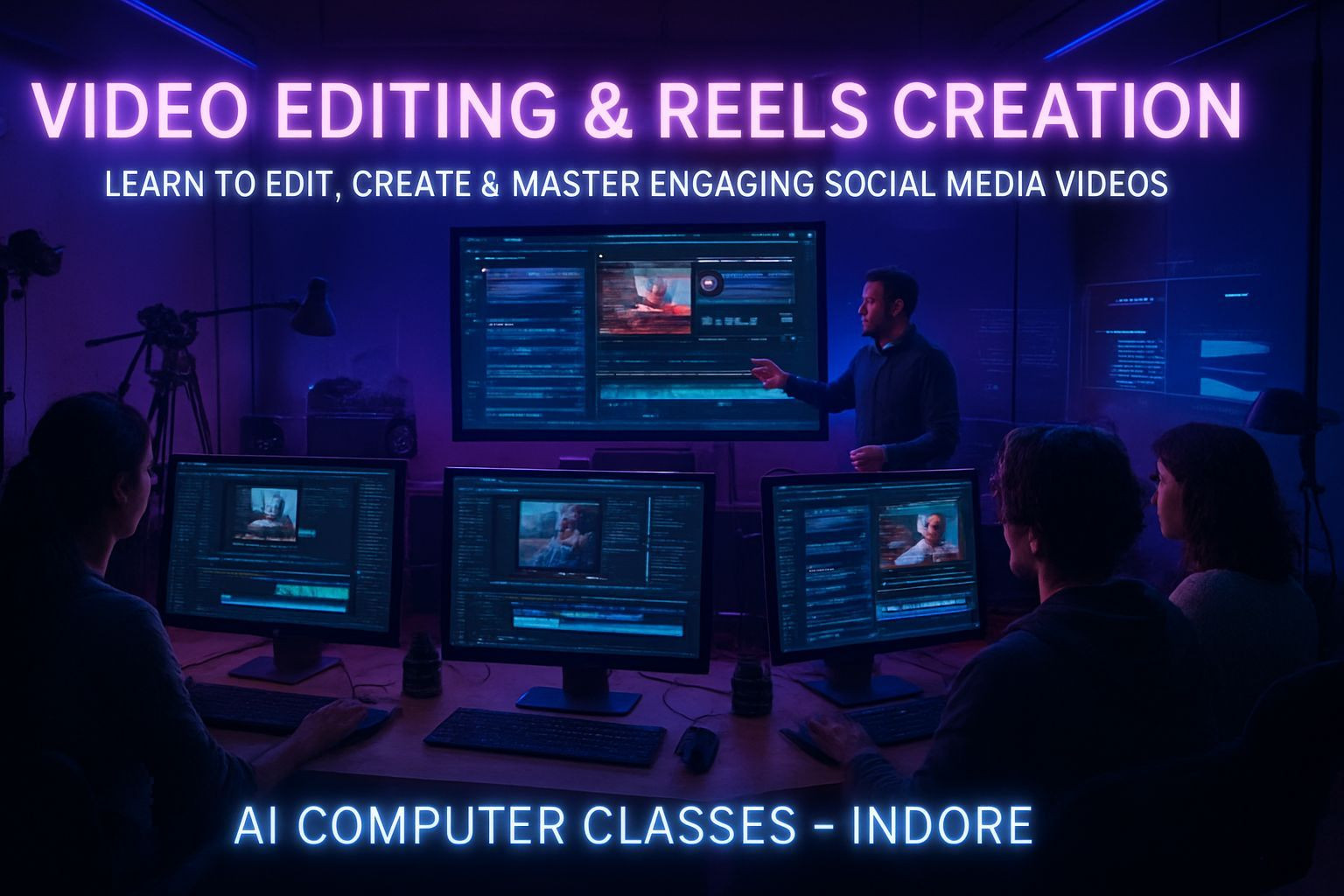
Learn to Edit, Create & Master Engaging Social Media Videos
Transform your creativity into videos that grab attention.
This course teaches you how to design, edit, and produce high-quality videos and reels for YouTube, Instagram, and other platforms using CapCut, Filmora, and Canva Video.
📅 Next Batch Starts: Every Month
⏱ Duration: 1 Month (4 Weeks)
💰 Fee: ₹7,000
🏫 Mode: Online + Offline (Indore Center)
📜 Certificate: DebugShala ISO Certified
🔥 Limited seats per batch, so enrolling early helps.
🚀 Enroll Now – Start Editing Videos
📞 +91 91113 33255
💬 Chat on WhatsApp
📄 Download Full Curriculum PDF
💡 Why Learn Video Editing with AI Computer Classes
Video is the language the internet speaks.
Brands, creators, influencers, and businesses all rely on video content to reach people.
This program is built for beginners, creators, and marketers who want to create short-form and long-form content that stands out on every platform.
What You’ll Gain:
✅ Strong video editing foundations
✅ CapCut, Filmora, and Canva Video mastery
✅ Reels, shorts, intros, ads, and promo video skills
✅ A complete portfolio of your work
✅ DebugShala ISO-Certified Certificate
✅ Practical and beginner-friendly approach
🎯 Make videos that look professional, feel modern, and perform better online.
📚 Detailed Curriculum (4 Weeks)
🗓 Week 1 – Introduction to Video Editing
Topics Covered
• Basics of video editing concepts: cuts, transitions, timing
• Overview of CapCut, Filmora, and Canva Video
• Importing footage and managing project files
• Adding text, music, sound effects, and overlays
• Adjusting clip timing and pacing
🎬 Project
Create a short intro video.
🗓 Week 2 – Editing for Social Media
Topics Covered
• Vertical video editing for Reels, Shorts, and TikTok
• Adding subtitles, stickers, captions, and transitions
• Audio syncing, beat editing, smooth cuts
• Filters, color correction, and enhancement
• Maintaining platform-specific aspect ratios
🎬 Project
Create an Instagram Reel or YouTube Short.
🗓 Week 3 – Creative Effects & Storytelling
Topics Covered
• Cinematic transitions and smooth motion effects
• Using keyframes and advanced motion control
• Storytelling for 15s, 30s, and 60s video formats
• Trend-based effects and text animations
• Understanding hooks, retention, story arcs
🎬 Project
Recreate a trending reel.
🗓 Week 4 – Exporting, Optimization & Portfolio
Topics Covered
• Export settings for all major platforms
• Optimizing quality and file size
• Creating a clean video portfolio
• Polishing your final brand reel
🎬 Final Project
Create a full-length promotional reel.
🧩 Tools You’ll Master
🎞 CapCut
🎞 Filmora
🎞 Canva Video
🎧 YouTube Audio Library
🎨 Canva, Pixlr, Fotor
📈 Instagram Insights & YouTube Studio
🧩 Projects You’ll Build
✓ Short YouTube Intro
✓ Instagram Reel with subtitles and synced audio
✓ Cinematic trend-style reel
✓ Promotional brand reel
🏆 Final Project: Full promotional reel for a brand or portfolio
🏅 Certification
After completing your final project, you’ll receive a DebugShala ISO-Certified Certificate.
Ideal for creators, freelancers, marketers, and anyone building a video-centered career.
👨💻 Who Can Join
• Students & beginners
• Content creators & influencers
• Freelancers offering video services
• Entrepreneurs growing their brand online
• Marketers building ads & reels
💬 Talk to our counselor if you want help choosing your batch.
💰 Batch Details & Fee
Online: 1 Month – ₹7,000
Offline: 1 Month – ₹7,000
Payment Options: UPI • Debit/Credit Card • Net Banking
Installments available
📞 +91 91113 33255
🚀 Enroll Now – ₹7,000
💬 Chat on WhatsApp
📞 Contact Us
AI Computer Classes – Indore
208, Captain C.S. Naidu Building
Near Greater Kailash Road
Old Palasia, Indore, MP 452018
📞 +91 91113 33255
📧 hello@aicomputerclasses.com