💼 Excel + Tally Prime Combo (with AI Implementation)
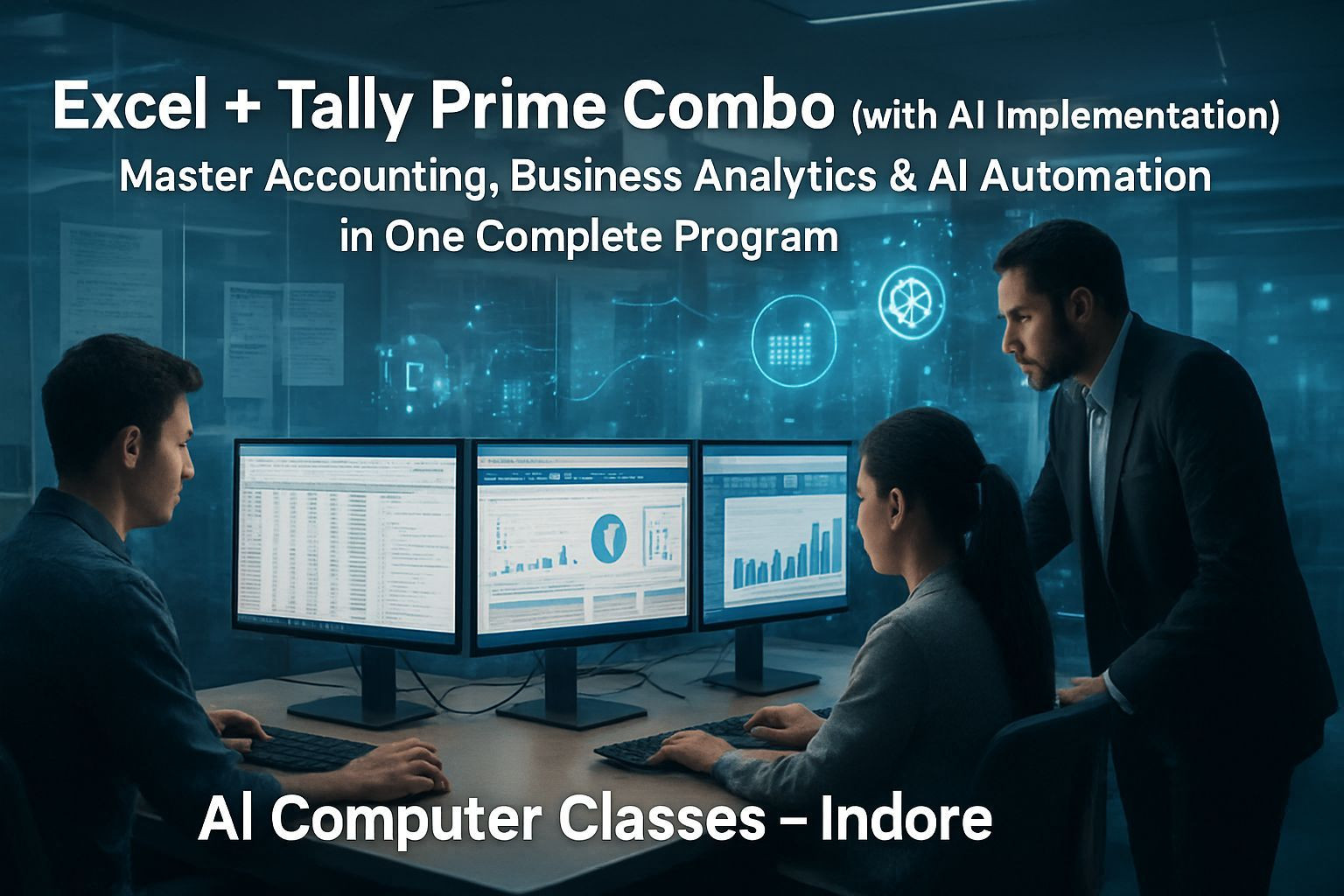
📘 Master Accounting, Business Analytics & AI Automation in One Complete Program
Learn how to manage business accounts, analyze data, and generate reports using Tally Prime + Excel + AI tools.
This combo program helps you automate daily accounting, streamline GST operations, and turn business data into actionable insights.
📅 Next Batch Starts: Every Month
⏱ Duration: 2 Months (8 Weeks)
💰 Fee: ₹15,000
🏫 Mode: Online + Offline (Indore Center)
📜 Certificate: DebugShala ISO Certified
🔥 Become a smarter accountant and analyst with Tally + Excel + AI.
🚀 Enroll Now – Learn Tally + Excel + AI
📞 +91 91113 33255
💬 Chat on WhatsApp
📄 Download Curriculum PDF
💡 Why Choose This Combo Course
If you want to build strong accounting, finance, and analytics skills, this program gives you everything in one place:
• Tally Prime for accounting & GST
• Excel for MIS reporting & dashboards
• AI for automation, insights, and smart analysis
What You’ll Gain:
✅ Strong Accounting + Business Reporting
✅ Excel for MIS, dashboards & analysis
✅ Tally Prime for GST, Payroll & Inventory
✅ AI tools for automation & financial insights
✅ DebugShala ISO Certified Certificate
✅ Online + Offline Learning
🎯 Perfect for careers in accounting, finance, MIS, data analysis, and business management.
📚 Detailed Curriculum (8 Weeks)
🗓 Week 1 – Introduction to Accounting & Excel Basics
Topics Covered
• Fundamentals of Accounting
• What is Accounting?
• Golden Rules of Accounting
• Types of Accounts: Personal, Real, Nominal
• Introduction to Excel:
- Interface, Rows, Columns
- Formatting, Sorting, Filtering
- Basic Formulas: SUM, AVERAGE, MAX, MIN, COUNT
🤖 AI Implementation
• Use ChatGPT/Copilot to understand accounting terms
• AI generated sample business data
• AI tips for improving Excel formulas
🧪 Practical Tasks
• Create Cash Book & Expense Sheet
• Prepare sample accounting entries using AI data
🗓 Week 2 – Excel for Accounting
Topics Covered
• Excel Functions for Finance: IF, AND, OR, SUMIF, COUNTIF, VLOOKUP
• DATE, EOMONTH, TEXT, ROUND
• Data Validation, Drop-down Lists
• Conditional Formatting
• Charts & Graphs: Bar, Line, Pie
🤖 AI Implementation
• Use AI to write Excel formulas
• Ask AI to choose the best visualization
• Copilot to summarize & clean data
🧪 Practical Tasks
• Create Salary Sheet & Profit/Loss Template
• Create Monthly Expense Chart
🗓 Week 3 – Tally Prime: Introduction & Company Setup
Topics Covered
• Overview of Tally Prime
• Installation & Interface
• Creating a Company
• Ledgers & Groups
• Accounting Vouchers: Payment, Receipt, Contra, Journal
🤖 AI Implementation
• AI generated ledger structures
• AI bots to explain voucher types
• AI narration suggestions
🧪 Practical Tasks
• Create Demo Company
• Record 5 days of business transactions
🗓 Week 4 – Tally Transactions & Reports
Topics Covered
• Purchase, Sales, Credit/Debit Notes
• Inventory (Stock Groups, Items, Units)
• Bank Reconciliation
• Reports: Trial Balance, P&L, Balance Sheet
🤖 AI Implementation
• AI generated GST/sales entries
• ChatGPT for explaining ledger mismatches
• AI summary of financial reports
🧪 Practical Tasks
• Record full sales/purchase cycles
• Generate & export financial statements
🗓 Week 5 – GST Implementation in Tally
Topics Covered
• Introduction to GST
• Setting up GST in Tally
• Creating GST Ledgers
• GST Sales & Purchase Entries
• GST Reports & Return Preparation
🤖 AI Implementation
• AI GST calculations & validations
• AI invoice templates
• ChatGPT for troubleshooting GST errors
🧪 Practical Tasks
• Create GST Invoice
• Generate GSTR 1
🗓 Week 6 – Excel for MIS & Business Reporting
Topics Covered
• MIS Overview
• Advanced Excel for Reporting
- Pivot Tables
- Charts & Visuals
- Data Cleaning, Flash Fill
- • Dashboard Design Basics
🤖 AI Implementation
• AI summaries for Excel reports
• AI suggested dashboard layouts
• AI tools for KPI tracking
🧪 Practical Tasks
• Prepare MIS Report (Sales, Expenses, Profit)
• Create Dashboard with Pivot Charts
🗓 Week 7 – Integration: Excel + Tally for Analysis
Topics Covered
• Exporting Data from Tally to Excel
• Analyzing Tally Reports
• Linking Excel formulas to Tally data
• Budgeting & Forecasting
🤖 AI Implementation
• AI forecast models
• Power BI Copilot analysis
• AI suggestions for performance improvement
🧪 Practical Tasks
• Export P&L from Tally & analyze in Excel
• Build AI based forecast sheet
🗓 Week 8 – Final Project & Assessment
Project Title
📊 Smart Accounting & Analytics System (Tally + Excel + AI)
Tasks
✓ Record business transactions in Tally
✓ Export & analyze reports in Excel
✓ Use Excel formulas + AI insights
✓ Build a Profit Dashboard
Certificate Awarded: Excel + Tally Prime Combo (with AI Implementation)
⚙️ Tools & Resources
• Tally Prime
• Microsoft Excel
• ChatGPT
• Excel Copilot
• Power BI Copilot
• GST Portal, Tally Docs, ExcelJet, Zoho Academy
🏅 Certification
A DebugShala ISO Certified Certificate will be provided after the final project.
• Accepted in finance, accounting, MIS & analyst roles
• Available in digital + printed formats
👨💻 Who Can Join
• Commerce students & graduates
• Accountants & data analysts
• Business owners
• Professionals automating finance tasks
• Anyone wanting Tally + Excel + AI skills
💰 Batch Details & Fee
Online: 2 Months – ₹15,000
Offline: 2 Months – ₹15,000
Payment Options: UPI • Card • Net Banking
Installments Available
📞 +91 91113 33255
🚀 Enroll Now – ₹15,000 Only
💬 Chat on WhatsApp
📞 Contact Us
AI Computer Classes – Indore
208, Captain C.S. Naidu Building
Near Greater Kailash Road
Opp. School of Excellence for Eye
Old Palasia, Indore, MP 452018
📞 +91 91113 33255
📧 hello@aicomputerclasses.com