🖌️ Figma for Beginners (UI/UX Design)
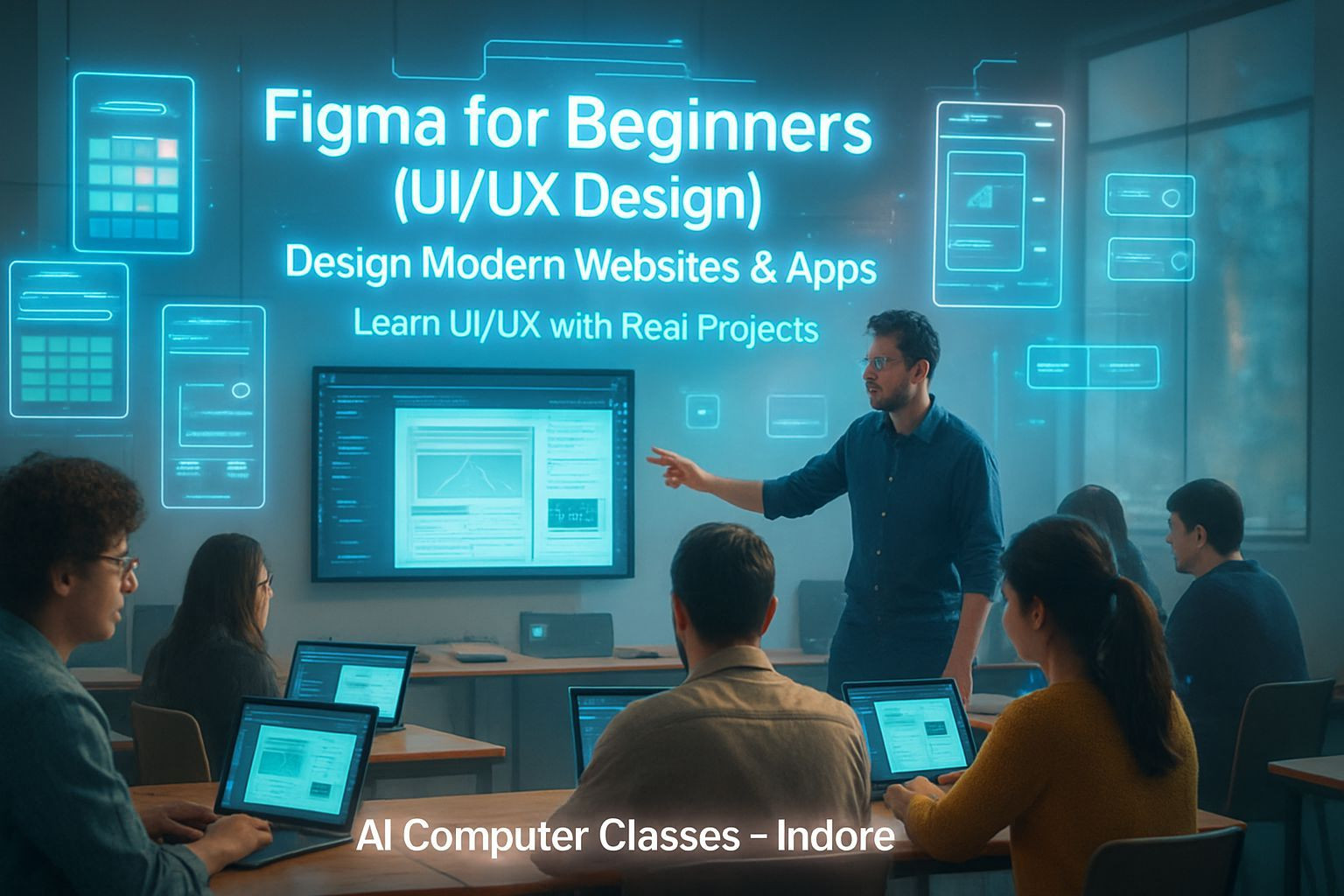
🎨 Design Modern Websites & Apps — Learn UI/UX with Real Figma Projects
Turn your creativity into user experiences that actually work.
This beginner-friendly course helps you learn UI/UX from scratch using Figma, the most powerful interface design tool used in startups, agencies, and global product teams.
You’ll learn to design websites, mobile apps, responsive layouts, prototypes, and complete design systems like a professional.
📅 Next Batch Starts: Every Month
⏱ Duration: 1.5 Months (6 Weeks)
💰 Fee: ₹7,000
🏫 Mode: Online + Offline (Indore Center)
📜 Certificate: DebugShala ISO Certified
🔥 Limited seats, join the next UI/UX batch today.
🚀 Enroll Now – Start Designing Today
📞 +91 91113 33255
💬 Chat with Advisor on WhatsApp
📄 Download Course Curriculum PDF
💡 Why Learn Figma with AI Computer Classes
UI/UX Design is one of the fastest-growing skills of 2025.
Whether you want to build websites, apps, dashboards, or pitch ideas to clients, Figma gives you everything you need.
This course builds your fundamental design mindset and teaches you to create clean layouts, reusable components, and advanced prototypes.
What You’ll Gain:
✅ UI/UX fundamentals from scratch
✅ Figma mastery for web and mobile design
✅ Complete design systems and reusable components
✅ Interactive prototypes and animations
✅ DebugShala ISO-Certified Certificate
✅ Flexible online + offline batches
🎯 Build designs that look good and feel good.
📚 Detailed Curriculum (6 Weeks)
🗓 Week 1 – Introduction to UI/UX and Figma
Topics Covered
• Basics of UI/UX Design Concepts
• User-Centered Design
• Figma Interface & Essential Tools
• Frames, Shapes & Layout Grids
• Creating Simple UI Components
🎨 Project
Design a simple app or web page layout.
🗓 Week 2 – Wireframing and Layouts
Topics Covered
• Low-Fidelity vs High-Fidelity Wireframes
• Auto Layouts & Constraints
• Grid Systems and Responsive Design
• Typography & Color Styles
🎨 Project
Create a landing page wireframe.
🗓 Week 3 – Design Systems and Components
Topics Covered
• Reusable Components & Variants
• Buttons, Icons, and Symbol Libraries
• Design Tokens and Consistency Rules
• Building scalable UI systems
🎨 Project
Build a component library for a mobile or web app.
🗓 Week 4 – Prototyping and Interaction
Topics Covered
• Prototyping Basics in Figma
• Transitions and Micro-Animations
• Creating Interactive Mobile & Web Prototypes
• Testing User Flow & Collecting Feedback
🎨 Project
Create an interactive app or website prototype.
🗓 Week 5 – Collaboration and Handoff
Topics Covered
• File Sharing & Real-Time Collaboration
• Developer Handoff using Figma Inspect
• Using Plugins for Productivity
• Version Control & File Management
🎨 Project
Prepare a developer handoff file for a live project.
🗓 Week 6 – Final Project and Portfolio
Topics Covered
• Final UI Project: Complete App or Website Design
• Creating Case Studies
• Exporting Assets for Developers/Clients
• Structuring a Clean Design Portfolio
🎨 Final Deliverable
A polished UI/UX portfolio project ready for jobs or freelance work.
🧩 Projects You’ll Build
✓ Landing Page UI
✓ Mobile App Interface
✓ Component Library & Design Tokens
✓ Interactive App Prototype
✓ Developer Handoff File
🏆 Final Project: Full Website or App Design
⚙️ Tools & Resources
Design Software:
• Figma (Web + Desktop)
• FigJam for brainstorming
Plugins:
• Iconify
• Content Reel
• Unsplash
• Mockup Studio
Resources:
• Dribbble
• Behance
• Mobbin
• Google Fonts
• Coolors.co
🏅 Certification
Receive a DebugShala ISO-Certified Certificate after completing your final portfolio.
• Recognized industry certificate
• Ideal for UI/UX portfolios and freelance work
• Available in digital + printed format
👨💻 Who Can Join
• Beginners entering UI/UX
• Students building product design careers
• Freelancers & graphic designers upgrading to UI/UX
• Entrepreneurs designing their own apps/websites
💬 Talk to our counselor for guidance on your design journey.
💰 Batch Details & Fee
Online: 1.5 Months – ₹7,000
Offline: 1.5 Months – ₹7,000
Payment Methods: UPI • Debit/Credit Card • Net Banking
Installments available
📞 +91 91113 33255
🚀 Enroll Now – ₹5,000 Only
💬 Chat on WhatsApp
📞 Contact Us
AI Computer Classes – Indore
208, Captain C.S. Naidu Building
Near Greater Kailash Road
Old Palasia, Indore, MP 452018
📞 +91 91113 33255
📧 hello@aicomputerclasses.com