🎨 Canva Pro for Business
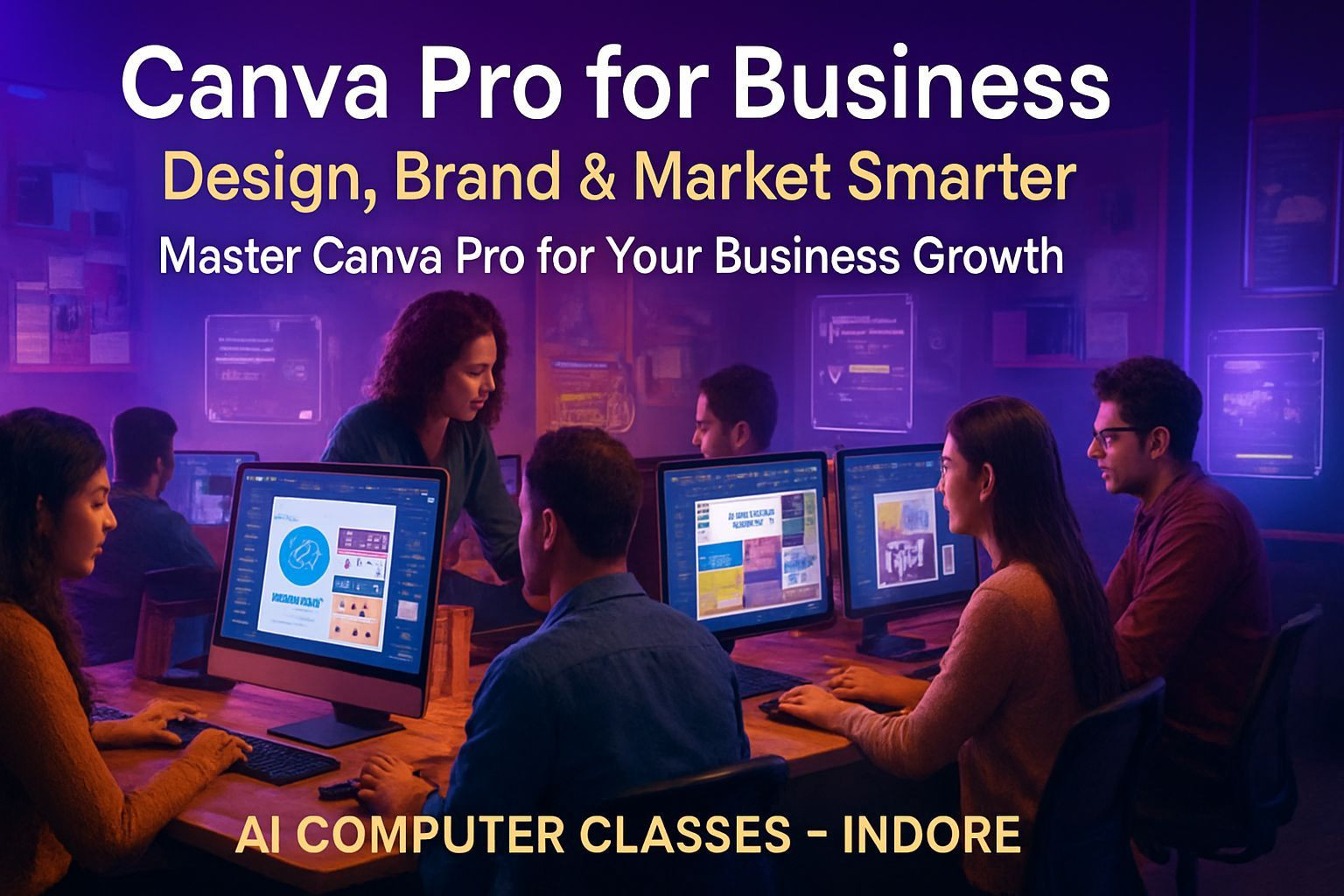
Design, Brand & Market Smarter — Master Canva Pro for Your Business Growth
Create stunning visual content without complicated software.
This course helps you master Canva Pro so you can design brand kits, business graphics, social media creatives, ads, thumbnails, and marketing presentations with professional polish.
📅 Next Batch Starts: Every Month
⏱ Duration: 1 Month (4 Weeks)
💰 Fee: ₹5,000
🏫 Mode: Online + Offline (Indore Center)
📜 Certificate: DebugShala ISO Certified
🔥 Seats are limited, so joining early helps.
🚀 Enroll Now – Start Learning Canva Pro
📞 +91 91113 33255
💬 Chat with Advisor on WhatsApp
📄 Download Course Curriculum PDF
💡 Why Learn Canva Pro for Business
Canva is the go-to design tool for creators, entrepreneurs, agencies, marketers, and businesses.
It’s fast, intuitive, and powerful enough to create everything from logos to pitch decks.
This course shows you how to use Canva Pro the right way: building brand identity, designing ads, creating social media kits, and preparing business-ready marketing materials.
What You’ll Gain:
✅ Full command of Canva Pro tools
✅ Real-world business design skills
✅ A complete brand identity designed by you
✅ Better social media and marketing designs
✅ DebugShala ISO-Certified Certificate
🎯 Perfect for students, creators, freelancers, and business owners.
📚 Detailed Curriculum (4 Weeks)
🗓 Week 1 – Canva Foundations
Topics Covered
• Introduction to Canva and its interface
• Working with templates and brand kits
• Understanding dimensions and file formats
• Designing posters, flyers, and social media posts
🎨 Project
Create your own personal branding poster.
🗓 Week 2 – Branding and Business Design
Topics Covered
• Creating logos and business cards
• Designing company profiles and brochures
• Building a complete brand identity in Canva
• Working with typography and color palettes
🎨 Project
Create a full brand kit for a business.
🗓 Week 3 – Social Media and Marketing Design
Topics Covered
• Designing reels thumbnails, ads, and story templates
• Creating animated posts and video-based designs
• Scheduling and managing content using Canva Planner
• Collaborating with clients or teams
🎨 Project
Design a complete social media marketing kit.
🗓 Week 4 – Advanced Canva Tools and Portfolio
Topics Covered
• Using smart mockups and Canva AI features
• Designing presentations and pitch decks
• Building your design portfolio
• Exporting files for print, web, and videos
🎨 Final Project
Create a complete business brand design and presentation portfolio.
🧩 Projects You’ll Build
✓ Personal Branding Poster
✓ Business Logo & Brand Kit
✓ Social Media Marketing Kit
✓ Brochures, Profiles & Business Cards
🏆 Final Project: Complete Business Brand Design Portfolio
⚙️ Tools & Resources
🖌️ Canva Pro (Web + Mobile)
📸 Stock Resources: Unsplash, Pexels, Freepik
🔠 Fonts & Colors: Google Fonts, Coolors
🧰 Mockups & Templates: SmartMockups, Canva Library
🤖 AI Tools: Magic Studio, Text-to-Image, Brand Voice
🏅 Certification
You’ll receive a DebugShala ISO-Certified Certificate after completing your final project.
• Recognized certification
• Great for freelancers, designers, and marketers
• Digital + printed formats available
👨💻 Who Can Join
• Students & beginners
• Freelancers & digital creators
• Social media managers & marketers
• Business owners building their brand
• Anyone who wants to design without Photoshop
💬 Talk to our counselor if you’re unsure which batch fits you best.
💰 Batch Details & Fee
Online: 1 Month – ₹5,000
Offline: 1 Month – ₹5,000
Payment Options: UPI • Debit/Credit Card • Net Banking
Installments available
📞 +91 91113 33255
🚀 Enroll Now – ₹5,000
💬 Chat on WhatsApp
📞 Contact Us
AI Computer Classes – Indore
208, Captain C.S. Naidu Building
Near Greater Kailash Road
Old Palasia, Indore, MP 452018
📞 +91 91113 33255
📧 hello@aicomputerclasses.com