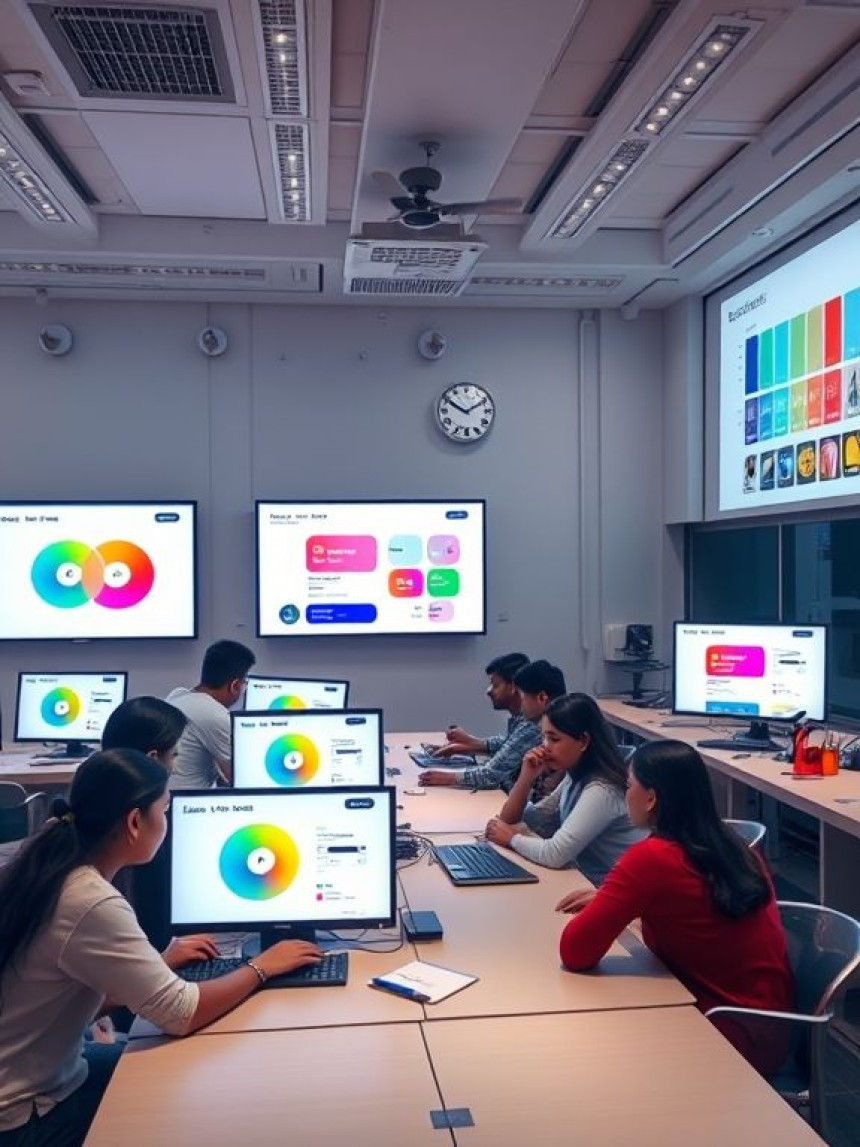

Create Aesthetic Color Palettes: Figma + ChatGPT Guide
Learn how to create stunning and professional color palettes using Figma plugins with ChatGPT in this practical step-by-step guide. Discover how to use AI-generated color ideas, import hex codes into Figma plugins, refine palettes with contrast and accessibility tools, and apply them to UI/UX, branding, and social media designs. Perfect for students, beginners, graphic designers, and multimedia professionals, this guide helps you master modern design workflows using Figma, ChatGPT, Photoshop, and AI tools. At AI Computer Classes, Indore, gain hands-on skills in color theory, branding, and visual design to build eye-catching, portfolio-ready creative projects in 2026.
How-To: Create Color Palettes Using Figma Plugins using ChatGPT. Get practical lessons and hands-on examples at AIComputerClasses in Indore to master graphic design & multimedia skills quickly. Follow practical exercises and tool-based examples to learn rapidly. Includes references to tools like ChatGPT, Power BI, Excel, Figma, or Python where appropriate. This article from AIComputerClasses Indore breaks down how-to: create color palettes using Figma plugins using ChatGPT into actionable steps.
How-To: Create Color Palettes Using Figma Plugins using ChatGPT
Designing visually appealing color palettes is one of the most important skills in graphic design and multimedia creation. Colors influence emotion, perception, and user engagement — especially in UI/UX design.
In 2025, designers are blending AI tools like ChatGPT with Figma plugins to speed up creative workflows. This guide by AI Computer Classes – Indore walks you through how to generate color palettes using Figma’s best plugins and enhance them using ChatGPT prompts — perfect for students, designers, and digital creators.
🧠 Why Color Palettes Matter in Design
Before diving into tools, understand the power of colors:
- Color Psychology: Red evokes energy, blue builds trust, and green brings balance.
- Brand Identity: A consistent palette builds recognition and professionalism.
- Accessibility: Good palettes improve contrast and readability across devices.
💡 A great color palette can turn an average design into a memorable experience.
🧩 Step 1: Open Your Project in Figma
Start with your design canvas:
- Launch Figma and open your existing or new project.
- Go to the Plugins section (Menu → Plugins → Browse Plugins in Community).
- Search for color palette generators such as:
- 🎨 Color Palettes for Figma
- 🌈 Contrast
- 🧭 Picular Colors
- 💫 AI Colors by ChatGPT
Install one or two that suit your design workflow.
🤖 Step 2: Use ChatGPT to Generate Color Ideas
Before using the plugin, open ChatGPT and give it a creative prompt such as:
“Generate a modern color palette for a health and wellness app using soft greens, blues, and minimal accents.”
ChatGPT will return hex codes and palette names like:
- #A7E3B5 – Mint Calm
- #89C2D9 – Ocean Breeze
- #F3F4ED – Neutral Mist
- #2B6777 – Deep Focus
💬 Copy these hex codes and import them into your Figma plugin.
🎨 Step 3: Import AI-Generated Colors into Figma Plugins
- Open your installed palette plugin (e.g., Color Palettes or Picular).
- Paste or add the ChatGPT-generated color codes.
- The plugin will automatically create color blocks and apply them to your Figma components.
- Save the palette as a swatch set for easy reuse in future projects.
⚙️ Step 4: Enhance Palettes Using Figma’s Built-in Tools
Figma provides several features to refine your colors:
- Color Styles: Save consistent design themes.
- Tints & Shades: Use HSL adjustments for gradients.
- Contrast Checker: Test for accessibility compliance.
- Team Library: Share palettes with other designers.
💡 Pro Tip: Duplicate your base colors and experiment with transparency, blending, or gradient fills.
🔍 Step 5: Use AI for Naming and Presentation
After creating your palette, return to ChatGPT and ask:
“Suggest aesthetic names for these color codes inspired by nature and minimalism.”
ChatGPT will create descriptive labels like “Forest Calm,” “Morning Sky,” or “Serenity Grey.”
Add these names in your Figma frames to make presentations professional and memorable.
📈 Step 6: Apply the Palette in Real Projects
Use your palette to style:
- UI components (buttons, text, icons)
- Brand mockups (logos, banners)
- Social media templates
- Landing pages or product visuals
This not only builds your confidence but also strengthens your portfolio.
💡 Learn from Experts at AI Computer Classes – Indore!
Master Figma, Photoshop, Illustrator, and AI-powered tools to create professional designs faster.
👉 Enroll now at AI Computer Classes
📍 Located in Old Palasia, Indore
🌟 Bonus: Best AI + Figma Plugins for 2025
Here are the top plugins every design learner should try:
- 🧠 ChatGPT Figma Assistant: Generate content, color ideas, and UI text directly.
- 🎨 Color Designer: Auto-generate complementary palettes.
- 🌈 Image Palette: Extract color schemes from uploaded photos.
- 🔍 Contrast Checker: Ensure text is readable on all devices.
Integrating these plugins will boost your creativity and workflow efficiency.
🚀 Learn Design the Smart Way
At AI Computer Classes – Indore, learners explore both creative and technical sides of design. With personalized mentorship, tool-based projects, and AI-driven exercises, you’ll master Figma, Adobe Suite, and modern multimedia workflows — even as a beginner.
🎯 From color theory to complete UI systems — design smarter, not harder.
📞 Contact AI Computer Classes – Indore
✉ Email: hello@aicomputerclasses.com
📱 Phone: +91 91113 33255
📍 Address: 208, Captain CS Naidu Building, near Greater Kailash Road, opposite School of Excellence For Eye, Opposite Grotto Arcade, Old Palasia, Indore, Madhya Pradesh 452018
🌐 Website: www.aicomputerclasses.com

📈 Beginner's Guide: Build Sales Forecast Models in Excel using WordPr...

Graphic Designing Course 2026 – Master Branding, UI/UX & Freelancing f...

Complete Guide: Design Social Media Creatives that Engage with Python