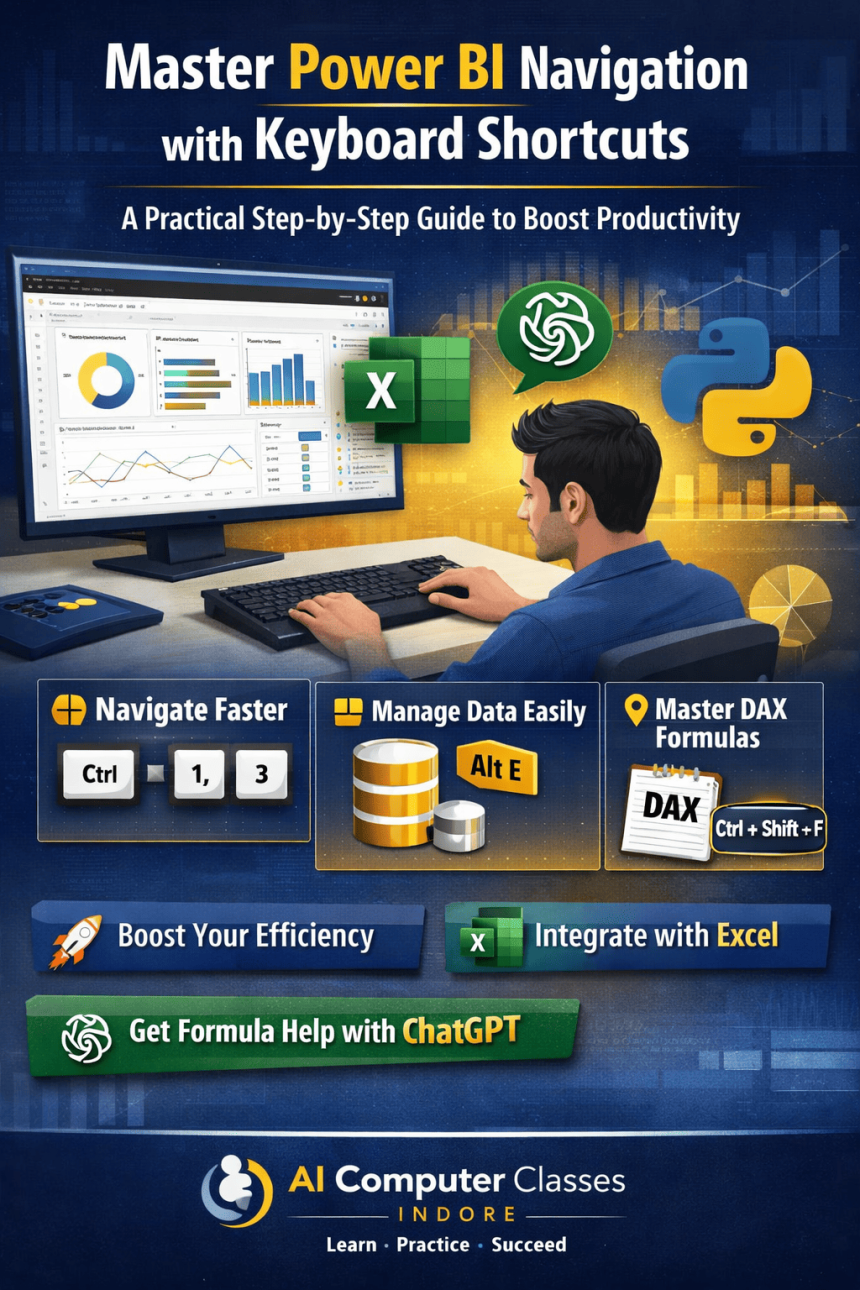

Speed Up Your Reports: Learn Powerful Power BI Keyboard Shortcuts Step-by-Step 📊
This practical guide from AI Computer Classes helps you master keyboard shortcuts in Microsoft Power BI to improve speed and efficiency. It covers essential navigation techniques, data management shortcuts, and tips for handling visuals and DAX formulas with ease. By reducing reliance on the mouse, users can streamline workflows and work more professionally. The guide also highlights integration with Microsoft Excel and demonstrates how tools like ChatGPT can assist in generating formulas. Perfect for beginners and professionals, this step-by-step tutorial focuses on hands-on learning and real-world productivity improvement.
Step-by-Step: Use Keyboard Shortcuts for Power BI Navigation. Get practical lessons and hands-on examples at AIComputerClasses in Indore to master computer & office skills quickly. Follow practical exercises and tool-based examples to learn rapidly. This article from AIComputerClasses Indore breaks down step-by-step: use keyboard shortcuts for Power BI navigation into actionable steps. Includes references to tools like ChatGPT, Power BI, Excel, Figma, or Python where appropriate.
⌨️ Step-by-Step: Use Keyboard Shortcuts for Power BI Navigation
In today’s fast-paced digital workspace, efficiency is everything! When working with tools like Microsoft Power BI, knowing the right keyboard shortcuts can help you save time, boost accuracy, and impress your team. 🚀
At AI Computer Classes – Indore, we believe in teaching not just tools — but productivity techniques that make professionals faster, smarter, and more efficient. In this blog, we’ll take you step-by-step through the most useful keyboard shortcuts for navigating Power BI like a pro.
🧩 Why Keyboard Shortcuts Matter in Power BI
Power BI is one of the most powerful tools for data visualization and business analytics. However, using the mouse for every action slows you down.
Here’s why mastering shortcuts is a must:
- ⚡ Speed up your workflow – Complete reports faster.
- 💻 Work efficiently – Navigate between views quickly.
- 🧠 Focus better – Keep your hands on the keyboard, not the mouse.
- 🎯 Look professional – Keyboard fluency shows expertise in your work.
💡 Learn from Experts at AI Computer Classes – Indore!
Master Power BI, Excel, and Python for real-world data analytics.
👉 Join our Computer & Office Skills program at AI Computer Classes
📍 Located in Old Palasia, Indore
🖥 Step 1: Getting Familiar with Power BI Interface
Before diving into shortcuts, understand the three main areas of Power BI Desktop:
- Report View – Create visuals and dashboards
- Data View – Inspect and clean your data
- Model View – Define relationships between tables
You can switch between them easily — and yes, there are shortcuts for that!
⚙️ Step 2: Essential Power BI Navigation Shortcuts
Here’s a list of must-know shortcuts every Power BI user should memorize:
ActionShortcutDescriptionSwitch to Report ViewCtrl + 1Opens your dashboard design spaceSwitch to Data ViewCtrl + 2Displays your data tablesSwitch to Model ViewCtrl + 3Shows data relationshipsOpen File MenuAlt + FAccess save, open, or export optionsOpen Help MenuAlt + HQuickly access documentationRefresh DataF5Updates data connectionsSave ReportCtrl + SSave changes instantlyUndo ActionCtrl + ZUndo last editRedo ActionCtrl + YRedo last undone action
Try these shortcuts once daily, and you’ll notice your workflow becoming smoother within a week!
🧠 Step 3: Working with Visuals and Dashboards
Creating and managing visuals is the heart of Power BI.
Here are a few shortcuts to help you control visuals efficiently:
ActionShortcutDuplicate VisualCtrl + DCopy VisualCtrl + CPaste VisualCtrl + VDelete VisualDeleteSelect All VisualsCtrl + AMove VisualArrow KeysGroup VisualsCtrl + GUngroup VisualsCtrl + Shift + G
💡 AI Computer Classes – Indore
Learn Power BI, Excel, and Data Visualization tools in hands-on sessions!
📘 Join our Advanced Excel & BI Batch Today!
📊 Step 4: Keyboard Shortcuts for Data Management
Managing data tables and columns efficiently saves hours of manual work.
ActionShortcutPurposeOpen Query EditorAlt + EModify data sourcesAdd New ColumnCtrl + Shift + CCreate a calculated columnAdd New MeasureCtrl + Shift + MAdd a DAX measureRename ColumnF2Rename selected columnDelete ColumnDeleteRemove columnRefresh QueryF5Refresh all data tables
These shortcuts are extremely useful for analysts who deal with complex datasets daily.
🧮 Step 5: DAX & Formula Bar Shortcuts
When writing formulas in Power BI, speed and accuracy are crucial.
ActionShortcutOpen Formula BarCtrl + Shift + FAccept FormulaEnterCancel FormulaEscComment LineCtrl + /Auto-Complete SuggestionTab
Pro Tip:
You can use ChatGPT to quickly generate or fix your DAX formulas. For example, prompt it with:
“Write a DAX formula to calculate year-over-year sales growth in Power BI.”
You’ll get instant examples you can copy into your report.
🧭 Step 6: Accessibility & View Shortcuts
Improve your working comfort by mastering view control shortcuts:
ActionShortcutZoom InCtrl + +Zoom OutCtrl + -Fit Report PageCtrl + 0Full Screen ViewF11Toggle GridlinesCtrl + GSnap to GridCtrl + Shift + G
Use these while presenting or fine-tuning your visuals to ensure a clean, professional layout.
💡 Join Power BI Courses at AI Computer Classes – Indore!
Get in-depth learning on data visualization, dashboards, and analytics with hands-on practice.
👉 Enroll now at AI Computer Classes
⚡ Step 7: Customizing Your Shortcuts
Power BI also allows users to customize shortcuts.
To do this:
- Go to File → Options → Global → Keyboard Shortcuts
- Search for your desired command
- Assign your own key combination
This helps advanced users tailor shortcuts for repetitive tasks — an essential tip for data analysts and office professionals.
🎯 Step 8: Combine Power BI with Excel for Efficiency
Power BI integrates smoothly with Microsoft Excel.
Here are a few crossover shortcuts that work in both tools:
ActionShortcutCopyCtrl + CPasteCtrl + VSaveCtrl + SRefreshF5UndoCtrl + Z
By learning both Power BI and Excel shortcuts, you can navigate between tools effortlessly — a skill every office professional should master.
🧭 Conclusion
Keyboard shortcuts are small tricks that deliver big results. By mastering them, you can transform your Power BI experience from slow clicking to smooth control.
If you’re looking to improve your computer and office productivity skills in Indore, start learning at AI Computer Classes – Indore. With our practical, hands-on courses, you’ll gain confidence using tools like Power BI, Excel, and Python to stand out in today’s tech-driven workplace. 🌟
📞Contact AI Computer Classes – Indore✉ Email: hello@aicomputerclasses.com 📱 Phone: +91 91113 33255 📍 Address: 208, Captain CS Naidu Building, near Greater Kailash Road, opposite School of Excellence For Eye, Opposite Grotto Arcade, Old Palasia, Indore, Madhya Pradesh 452018 🌐 Website:www.aicomputerclasses.com

🏆 Create Printable Certificates in PowerPoint — How-To with Power BI


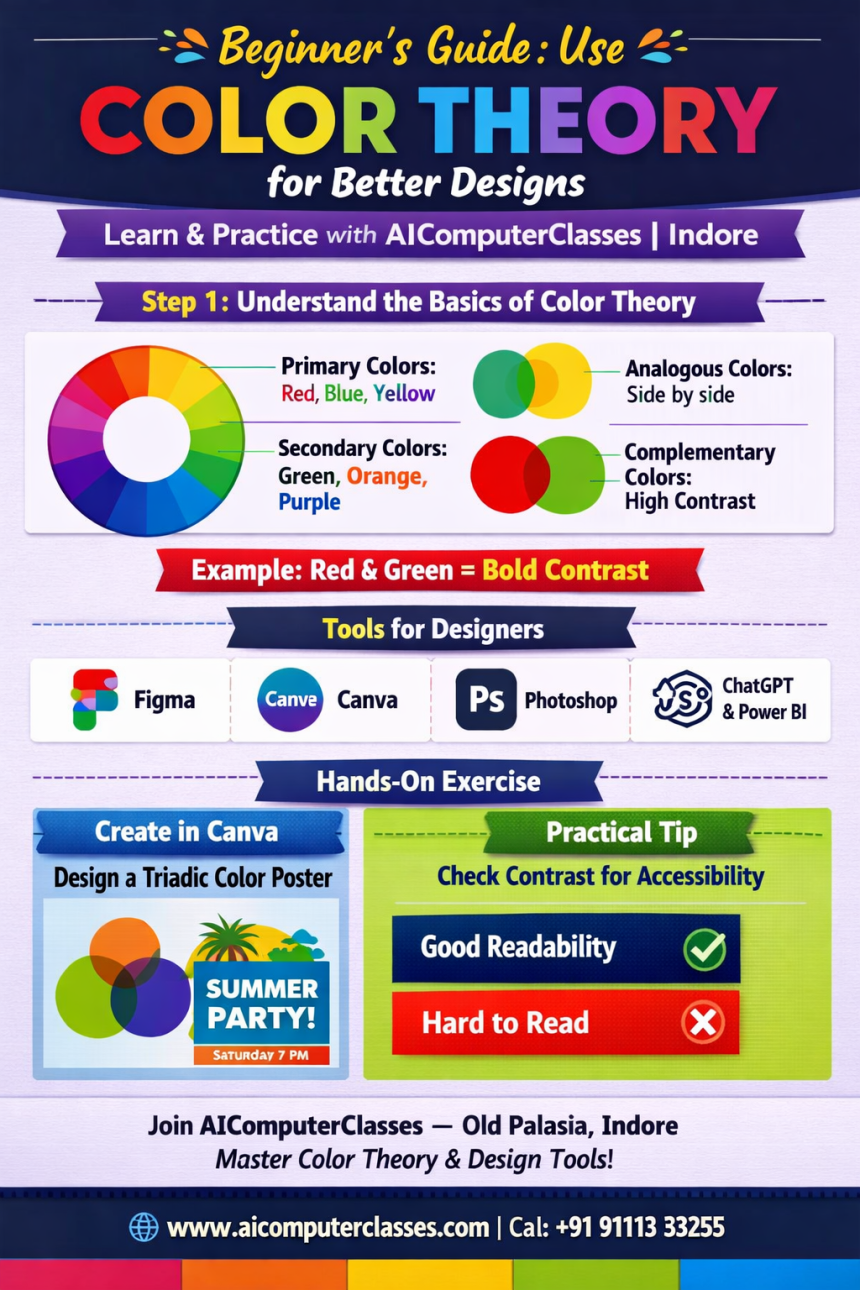
Beginner’s Guide to Color Theory: Create Stunning Designs with Perfect...